The Entrepreneur’s AI Toolbox: 12 Tools to Crush 2025

The Entrepreneur’s AI Toolbox: 12 Tools to Crush 2025

Why Entrepreneurs Who Use AI Will Win Once upon a time, launching a business required capital, connections, and a team. Not anymore. Today, one person with a laptop and the right AI stack can launch faster, grow leaner, and compete with companies 10x their size. It’s not hype — it’s how modern entrepreneurship works now. … Read more


Top 7 Affiliate Programs That Actually Pay (Even If You’re Just Starting Out)

Top 7 High Ticket Affiliate Programs That Pay Big in 2025

Top 7 Affiliate Programs That Actually Pay (Even If You’re Just Starting Out) are in this post.  But do not scroll the page as I encourage you to read this word for word. So, lets get to it… Looking for affiliate programs that pay more than just pennies but don’t require you to sell $2,000 … Read more

From Prompt to Product: Building GPT Tools People Actually Use

From prompt to product, building GPT tools that people actually use

Turn Your Ideas Into Real AI Tools People Actually Use Ever wondered how to build custom GPT tools that people genuinely use and love? In this post, we’ll walk through the simple steps that turn creative AI prompts into useful, sellable, and shareable products. Whether you want to create a GPT for business, content, or … Read more

Finding Your Side Hustle Niche

Finding Your side Hustle Niche

Why Your Niche Matters Picking the right side hustle niche can make or break your success. A great niche isn’t just about profit — it’s about passion, too. When you enjoy what you do, you stay consistent, and consistency builds income. Let’s find your best fit. Start With What You Know Your experience gives you … Read more

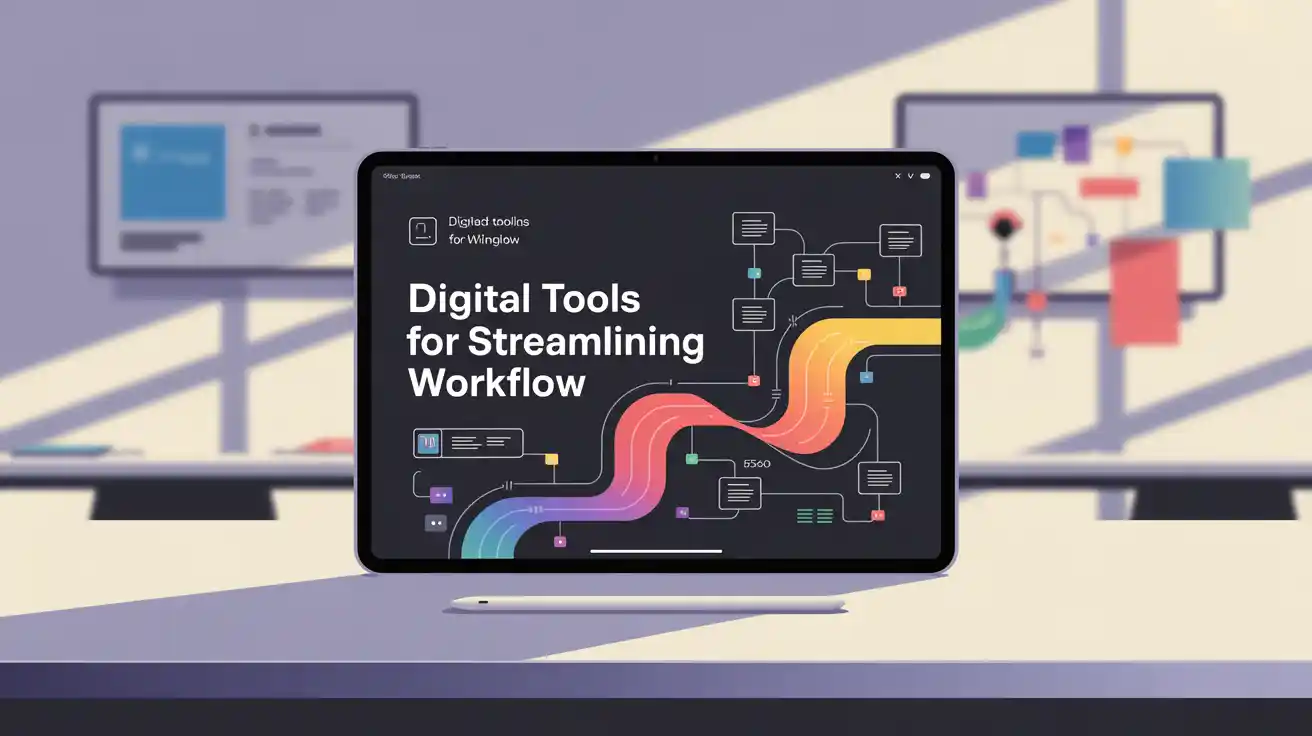
5 Digital Tools for Streamlining Your Workflow: An In-Depth Review

Digital tools for streamlining workflow

When you’re managing multiple projects, side hustles, or even just trying to get through your daily workload, the right tools can be game changers. Digital tools not only save you time but also reduce stress and keep you organized. In this in-depth review, we’ll look at five must-have digital tools for streamlining your workflow. Each … Read more

Simplify Projects and Tasks with Notion

Simplify Projects and Tasks with Notion Managing projects often means juggling multiple tools—one for notes, another for tasks, and maybe a spreadsheet for tracking progress. This patchwork approach quickly becomes overwhelming. The Notion productivity tool solves that problem by combining everything into one workspace. With Notion, you can organize projects, tasks, and notes in a way that’s flexible and easy to adapt. For entrepreneurs and side hustlers, it’s a powerful solution for staying productive without switching between apps all day. Why Notion Is Different Notion isn’t just another task manager. It’s an all-in-one workspace that combines note-taking, project management, databases, and even team collaboration. Instead of jumping between Google Docs for notes, Trello for projects, and Slack for communication, Notion can handle it all in one place. This simplicity reduces friction and makes your workflow easier to manage. What makes Notion unique is its customization. You start with blank pages, but you can structure them however you want—lists, tables, calendars, or even dashboards. This flexibility means Notion can adapt to your style of work. Whether you need a simple to-do list or a full project hub, Notion allows you to design a system that fits. Compared to tools like Trello and Google Drive, Notion takes a more holistic approach. While Trello shines at visual task management and Google Drive is great for file storage, Notion brings together the best of both worlds into a single platform. Features That Streamline Work The Notion productivity tool has features designed to simplify complex workflows. You can create pages for each project and then break those down into tasks, notes, and resources. A page might include a checklist, embedded calendar, or links to related content. This keeps everything in context so you’re not switching back and forth between apps. Databases are another standout feature. For example, you can create a content calendar where each post is a database entry with fields for deadlines, status, and keywords. You can then switch views—calendar, kanban board, or simple list—depending on how you like to work. These flexible views help you stay organized without being locked into one format. Collaboration is also built into Notion. Teams can share workspaces, leave comments, and edit content together. For side hustlers working with freelancers or clients, this makes project management easier and keeps communication in one place. With permissions, you can control who sees what, ensuring sensitive information stays private. Templates and Customization One of Notion’s best time-saving features is templates. Instead of building everything from scratch, you can choose from pre-designed templates for project management, personal journals, reading lists, or task trackers. These templates give you a head start and can be customized to your needs. Customization goes deeper with the ability to link pages together. You might create a client hub that links to their project page, invoices, and meeting notes. This creates a connected system where everything is just a click away. For entrepreneurs managing multiple clients or projects, this reduces confusion and keeps things organized. Compared to Slack or Google Drive, which serve specific purposes, Notion’s versatility makes it a central hub. It can replace multiple tools while still being simple enough for personal use. Notion vs. Other Tools Other productivity tools like Evernote, Asana, and Trello each have strengths, but Notion brings them all under one roof. Evernote is great for notes but doesn’t handle tasks well. Trello is visual and simple but lacks depth for detailed notes or databases. Asana is strong for task management but feels rigid compared to Notion’s flexibility. The Notion productivity tool strikes a balance. It gives you the depth of a database, the flexibility of notes, and the simplicity of a task list. For entrepreneurs who want one platform instead of five, Notion is a clear winner. Getting Started with Notion Getting started with Notion is easy. Sign up for a free account and start by creating a simple page. Add a task list, a few notes, and maybe a calendar view. As you get comfortable, explore templates and experiment with databases. The learning curve is there, but once you understand how to structure pages, it becomes second nature. If you’ve been relying on a mix of Trello, Slack, and Google Drive, Notion can help reduce the number of apps you need. While you may not replace everything, consolidating tools into one platform saves time and keeps your workflow simpler. Key Takeaways Notion productivity tool combines notes, tasks, and projects in one workspace. Databases and multiple views simplify how you manage projects. Templates make it easy to get started quickly. Collaboration features help teams and freelancers stay aligned. Notion reduces app overload by replacing multiple tools.

Simplify Projects and Tasks with Notion Managing projects often means juggling multiple tools—one for notes, another for tasks, and maybe a spreadsheet for tracking progress. This patchwork approach quickly becomes overwhelming. The Notion productivity tool solves that problem by combining everything into one workspace. With Notion, you can organize projects, tasks, and notes in a … Read more

Save Time with Zapier Automation

Save Time with Zapier Automation

Save Time with Zapier Automation Repetitive tasks can drain your energy and waste valuable time. Copying data from one app to another, downloading email attachments, or posting updates across platforms all add up. The Zapier automation tool solves this by connecting your apps and handling repetitive work behind the scenes. For entrepreneurs, freelancers, and side … Read more

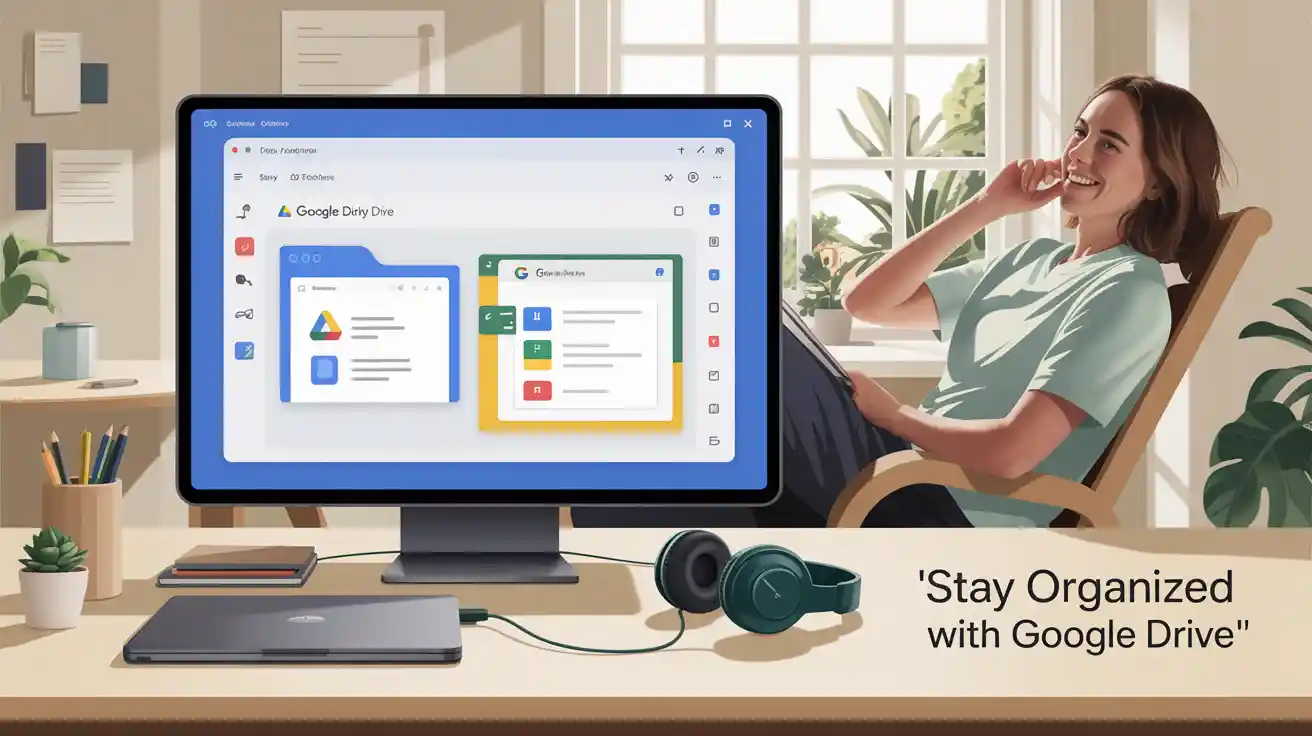
Stay Organized with Google Drive

Stay Organized with Google Drive

Stay Organized with Google Drive When projects start piling up, file management can quickly become a headache. Scattered documents, lost attachments, and endless email searches waste time and energy. That’s where Google Drive for organization makes a real difference. Google Drive simplifies how you store files, collaborate, and manage projects by putting everything in one … Read more

Short Beast Review

Ultra high-quality modern digital marketing concept artwork featuring a bold headline text “The Importance of Video Creation” in large, clean sans-serif font, glowing neon gradient colors (blue, purple, and pink) with a cinematic glow. Background: a sleek dark studio environment with floating 3D video icons, film reels, play buttons, social media logos (TikTok, Instagram, YouTube), and holographic camera lenses in motion blur. Vibrant lighting effects, depth of field, and lens flares to give a futuristic look. Composition designed for a blog featured image, wide 16:9 ratio, no watermark, crisp details, photorealistic lighting.

Short Beast Review about Video Creation in Today’s Digital Landscape is the difference between getting noticed and not getting noticed. We would be surprised at how  much a difference it would make if were to get into the video creation in the digital landscape. The importance of video creation in today’s digital landscape can’t be … Read more

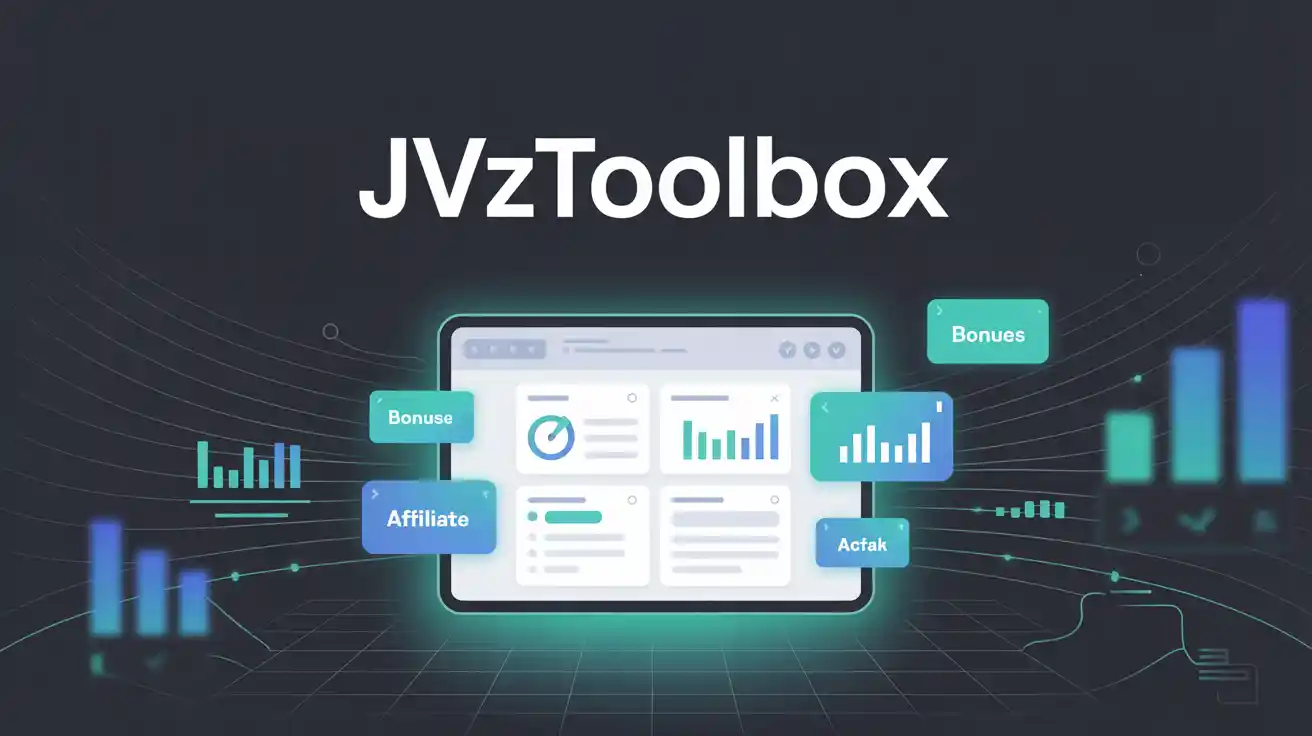
Jvz Tool Box Product Review

"Create a bold, modern software product cover for 'JVZToolBox'. The background should be sleek and dark with a glowing dashboard interface, icons for bonuses, links, and charts. Add the title 'JVZToolBox' in clean tech-style font at the top. Perfect for a JVZoo product."

What Is JVZToolBox? JVZToolBox is a powerful all-in-one affiliate marketing tool built to help you organize your campaigns, bonuses, and promotions with ease. This is why I decided to do a Jvz Tool Box Product Review. Whether you’re managing launches on WarriorPlus or JVZoo, JVZToolBox puts everything you need in one place so you can … Read more